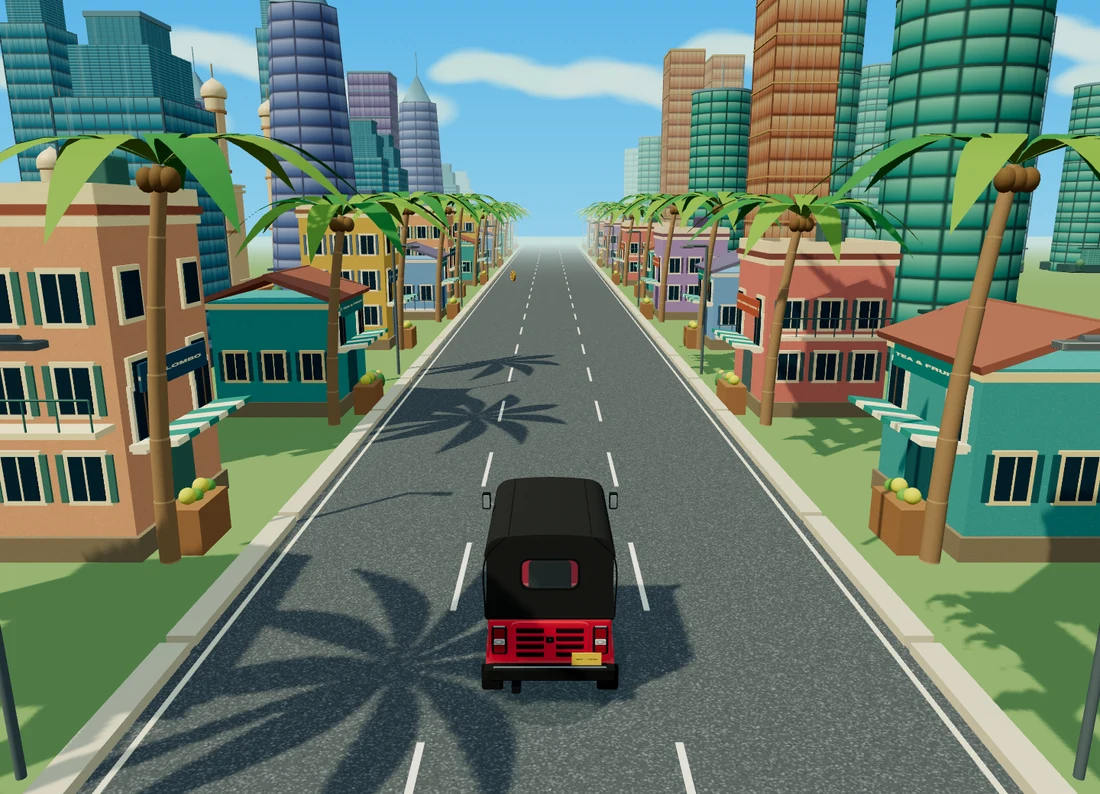
Make it your game
Choose your settings, then start playing.
Loading the tuk-tuk, traffic and scenery.
On mobile: swipe left or right to change lanes. You can also tap the controls below. Hold Brake to slow down or Horn to sound the horn.
About Tuk-Tuk DashRules, controls & developer
Choose a customisable tuk-tuk and drive through a 3D island runner with a rear chase camera. Steer around traffic and road hazards, and collect coins across five environments.
How to play Tuk-Tuk Dash
Change lanes to avoid buses, vans, and lorries. Steer around cones and barriers, gather coins, and collect shields. Missions award bonuses without ending the run. The road becomes faster with distance, and each zone offers a mission for bonus points.
Controls and options
On a computer
Left and Right arrows or A and D change lanes. Hold Down to brake, Space for the horn, and P to pause or resume.
On a phone or tablet
Swipe sideways or use the steering buttons. Hold Brake to slow down, release to accelerate, and hold Horn to sound it.
Modes and features
Runs travel through city, coast, mountain, desert, and neon-night environments. Daily challenges add another objective. Your personal best is stored locally; online leaderboard availability depends on the site's leaderboard service.
How do I avoid obstacles?
Change lanes to avoid all traffic, cones, and barriers. A shield absorbs one collision; without one, hitting an obstacle ends the run.
Game paused
Your game is still here. Changing settings starts a new game.
Change three-wheeler