Soccer Pool.
A clever flick. A winning goal.
 Soccer Pool
Small pitch. Big possibilities.
Bring your best touch.
A clever flick. A winning goal.
About Soccer PoolRules, controls & developer
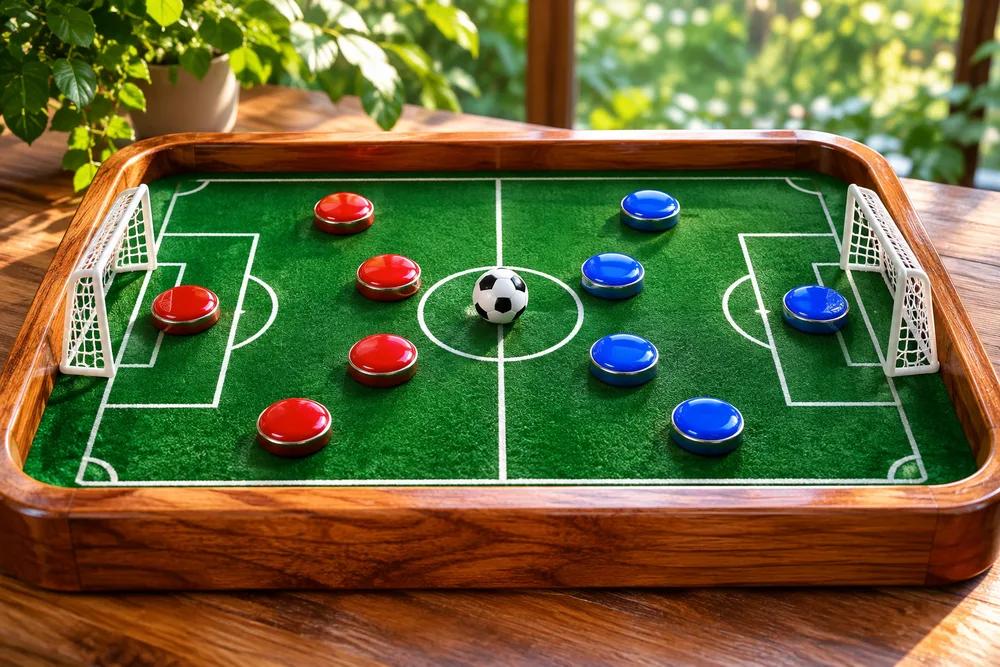
Flick player discs to strike the ball into the opponent's goal.
How to play Soccer Pool
Players take turns flicking one of five discs. Strike the soccer ball into the opposing goal. The ball must fully cross the goal line between the posts. First to the chosen goal target wins. After a goal, the scorer's opponent takes the next shot.
Controls and options
On a computer
Drag backward from one of your discs and release to flick it. You can also select a disc, set direction and power, then click Flick disc. On the focused field use 1–5 to select, arrow keys to aim and set power, and Space or Enter to shoot.
On a phone or tablet
Drag backward from a disc and lift your finger to flick. The direction and power sliders provide another way to aim. In two-player mode, pass the device after each shot.
Modes and features
Play against a computer on Easy, Medium or Hard, or play two players on one device. Choose first to 3, 5 or 7 goals and use fullscreen.
How do I shoot?
Touch or click one of your coloured discs, drag in the opposite direction from where you want it to travel, and release. A longer drag means more power.
Game paused
Your game is still here. Changing settings starts a new game.