Knife Hit.
A steady hand wins the round.
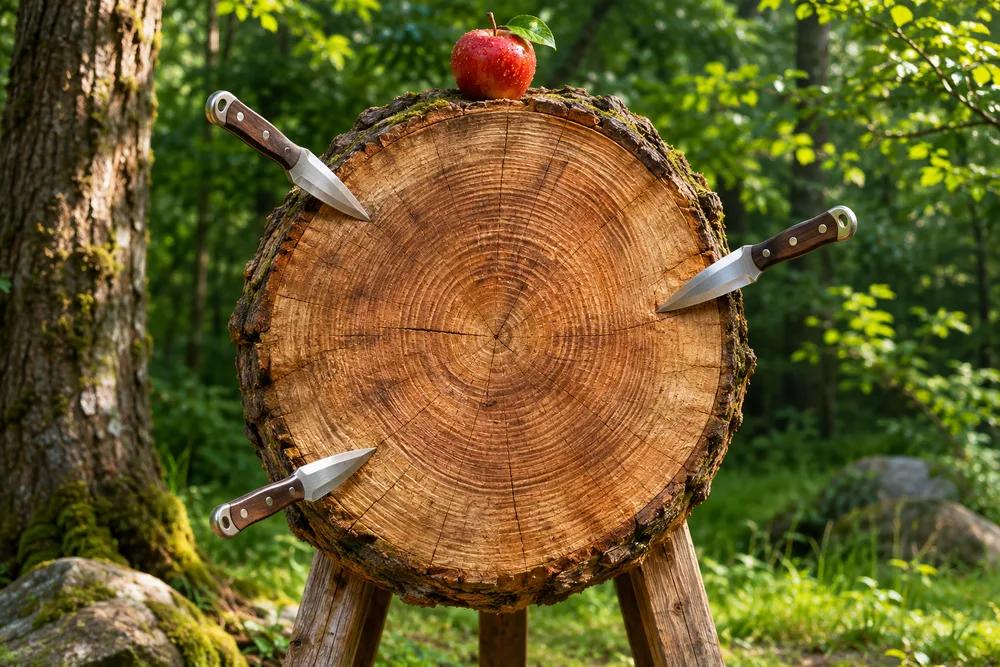 Knife Hit
Timing is everything.
Find your opening.
A steady hand wins the round.
MATCH STATUS
Choose players, then start the match.
Choose players
1 player means you versus the computer. Choose 2–6 for a shared-device match.
Scoreboard
Best: 0- You0 wins · 0 pts
- CPU 10 wins · 0 pts
Each successful knife earns 10 points; targets add 5. Clearing all targets ends the level. Hitting a blade knocks you out of the level. A level also ends when one player remains or the log holds 12 knives. Play five levels; level wins, then total points, decide the match. Tap the board, use Throw knife, or press Space when it is your turn.
About Knife HitRules, controls & developer
Time knife throws at a rotating log across five levels against the computer or up to five other players.
How to play Knife Hit
Players take turns throwing knives at the same rotating log. A clean hit earns 10 points and a carrot adds 5 more. Clearing all targets ends the level immediately. Hitting an embedded knife eliminates you from that level. A level also ends when one player remains or 12 knives fill the log. Surviving players compete on points for the level win. After five levels, wins and points decide the match.
Controls and options
On a computer
Click the play area or Throw knife button, or press Space or Enter when it is your turn. Pause and resume with the game buttons.
On a phone or tablet
Tap anywhere on the play area or use Throw knife. In a local match, pass the device to the next player after each throw.
Modes and features
Select 1 player to face the computer. Select 2 to 6 players for a shared-device match, and optionally set any opponent slot to computer controlled. Choose Easy, Normal, or Hard computer timing. Full screen, pause, rematch, and a locally saved best score are included.
Can computer players join a local match?
Yes. With 2 to 6 selected players, check the computer option for any opponent slot. The first slot is always yours. Selecting 1 player automatically adds one computer opponent.
Game paused
Your game is still here. Changing settings starts a new game.