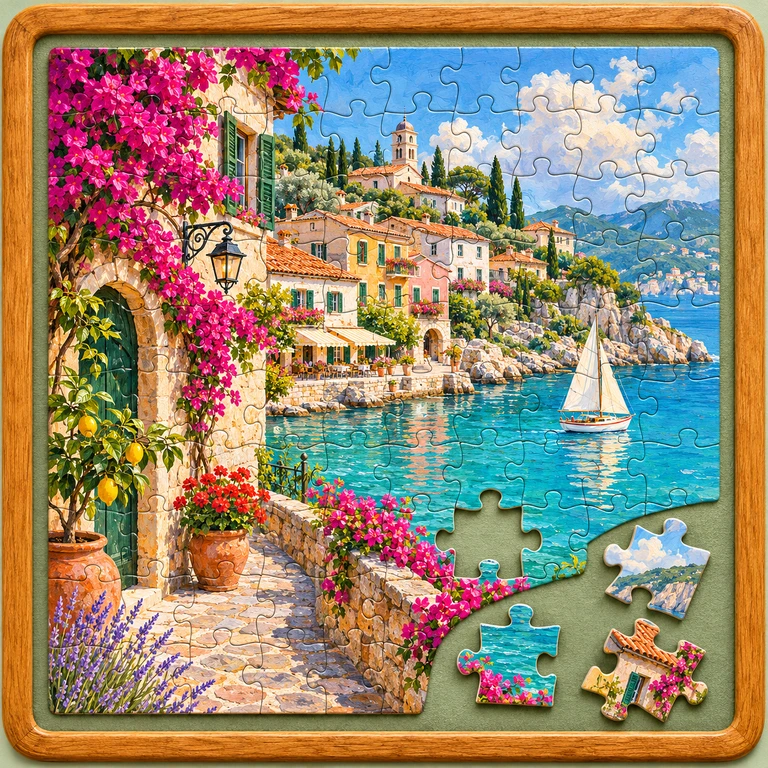
Make it your game
Choose your settings, then start playing.
Drag pieces from the tray onto the mat. Matching neighbors snap into movable groups; upright pieces and groups lock when they fit the picture. Use Edges to filter the tray, Preview to inspect the image, Hint for a gold target outline, Undo to restore a move and Restart for fresh pieces. Only hints affect stars: none earns three, one or two earns two, and more earns one. Kids practice adds stronger snapping and a guide.
Tap a piece, then tap the board as a drag alternative. Pinch to zoom, drag empty mat space to pan and Fit to restore the whole board. At high piece counts, zoom for precise placement. Keyboard: select a tray piece with Enter, use P to focus the board, arrow keys to choose a target and Enter to place. R rotates when enabled. The Piece menu returns loose groups to the tray or focuses keyboard placement. Completed pieces stay locked.
Local challenge supports two to six people on the same picture, count, cuts and initial options, with fresh shuffles and a readiness screen. Rank uses active completion time plus fifteen seconds per hint; unfinished boards cannot win. Preview and the optional guide are free, and the active clock continues during Preview. Pause and backgrounding freeze it. Restarts preserve local time and hints. Progress and unfinished positions, groups and rotations stay in this browser.
About Jigsaw PuzzlesRules, controls & developer
Piece together thirty colourful original pictures, from gentle 12-piece puzzles to intricate 192-piece challenges.
How to play Jigsaw Puzzles
Choose a piece from the tray and drag it onto the mat, or tap a piece then tap a destination. Matching neighbors join into movable groups. Upright pieces and groups lock when they fit the picture. Complete all pieces to finish; the next adventure puzzle unlocks automatically.
Controls and options
On a computer
Use mouse or trackpad dragging. Keyboard: Enter selects a tray piece, P focuses the board, arrow keys choose a target and Enter places it. R rotates when enabled. Edges filters the tray, Preview shows the picture, Hint outlines a target and Undo restores the previous board.
On a phone or tablet
Drag or tap to place pieces. Pinch to zoom and drag empty mat space to pan; Fit restores the whole board. Large tray arrows browse pieces without scrolling the page. The Piece menu offers rotation, returning loose groups to the tray and a faint picture guide.
Modes and features
Thirty adventure puzzles with 12, 24, 48, 80, 120 or 192 pieces; free play with any picture and count; gentle kids practice; and 2–6 local players taking turns on matched pictures and cuts with fresh shuffles. Optional rotation, sound, picture guide and active timer. Completed puzzles, stars and unfinished boards are saved in this browser.
Do I need to race a timer or pay for hints?
No. Adventure and free play have no compulsory timer, purchases or lives. Adventure stars depend on hints, not speed. In optional local challenge, the lowest active completion time plus fifteen seconds per hint wins; completed boards rank above unfinished ones. Pause freezes active time, and previewing the picture is free.
Game paused
Your game is still here. Changing settings starts a new game.