Color Wars.
Think in color. Own the board.
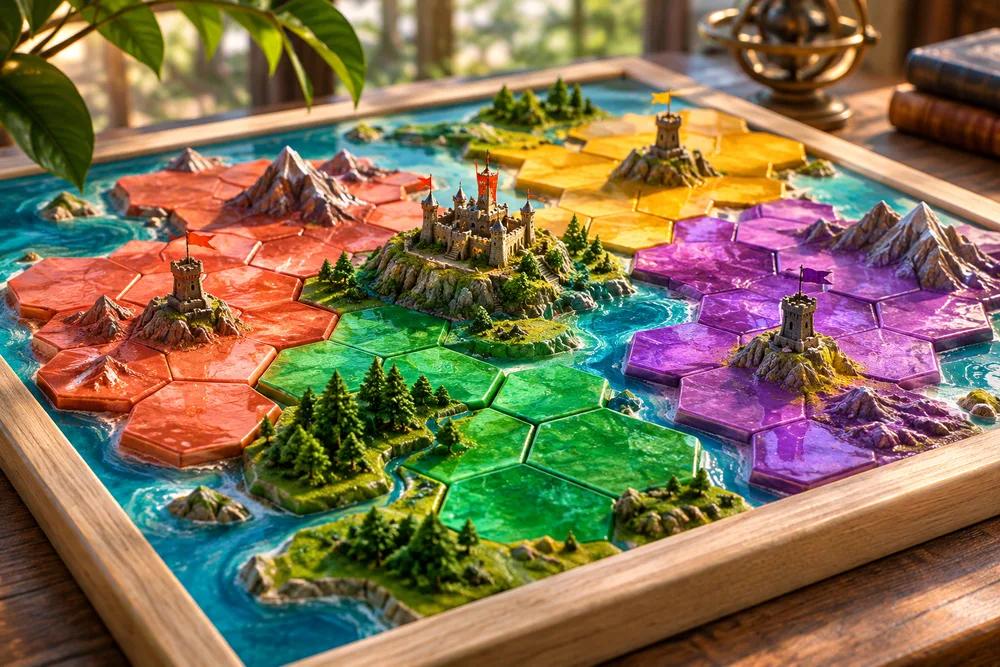 Color Wars
A brighter kind of rivalry.
Make your next move bright.
Think in color. Own the board.
About Color WarsRules, controls & developer
Grow your territory across a colourful grid against the computer or a friend.
How to play Color Wars
Choose an available colour to claim connected unowned tiles touching your territory. Most tiles wins when the board is full. A player who cannot expand passes automatically.
Controls and options
On a computer
Click an available colour button or press its number key from 1 to 5. Keyboard navigation also works on all controls.
On a phone or tablet
Tap a highlighted colour to expand your territory. Pass the device between turns in local two-player mode.
Modes and features
Computer opponent with three difficulty levels, two-player same-device mode, pattern symbols and fullscreen. Matching an opponent's colour is allowed only when it is the sole way to expand.
Can I take an opponent's tiles?
No. Claimed tiles stay with their owner, even when both players temporarily share a colour. Numbers 1 and 2 identify ownership.
Game paused
Your game is still here. Changing settings starts a new game.