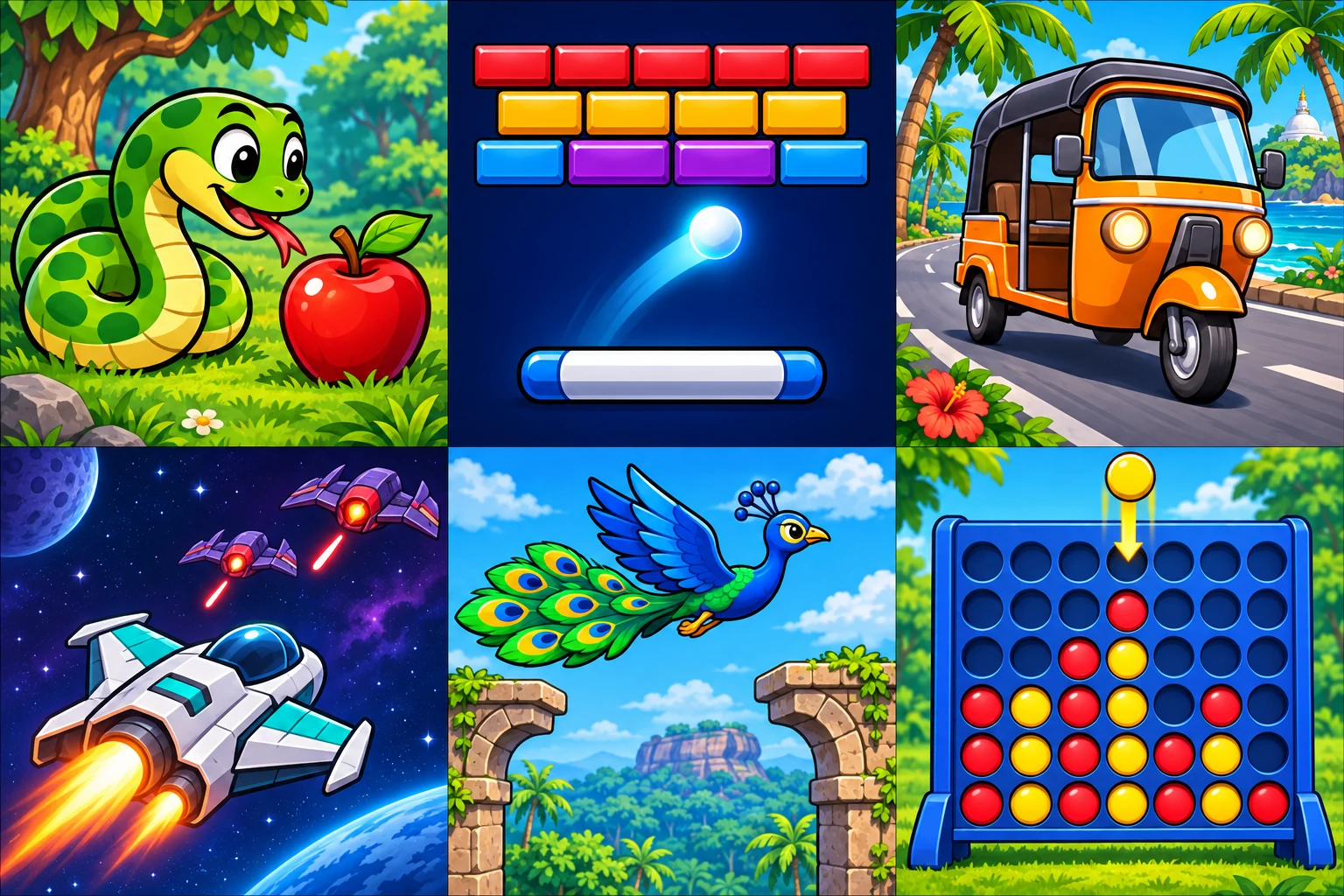
Make it your game
Choose your settings, then start playing.
Brick Breaker.
Ten missions. Faster ball. Smaller paddle. One final siege.
On mobile: touch and drag anywhere on the board. The paddle follows your finger continuously.
About Brick BreakerRules, controls & developer
Play a browser paddle-and-ball game with ten missions. Keep the ball bouncing, break bricks, and catch power-ups using keyboard or touch controls.
How to play Brick Breaker
Move the paddle under the ball to return it toward the bricks. Begin with three lives; missing the ball costs a life. Read the current mission: some levels ask you to clear bricks, while others set score, target, or survival objectives.
Controls and options
On a computer
Move with Left and Right arrows or A and D. Space performs the current start, launch, pause, resume, or retry action. Click and drag across the board to control the paddle with a pointer.
On a phone or tablet
Drag a finger horizontally across the play field to position the paddle. Use the action button to launch or continue.
Modes and features
Ten missions increase the challenge with faster balls and changing brick layouts. Some missions have a time limit. Power-ups can help extend a run, and fullscreen mode expands the play area.
Does every level have the same goal?
No. Check the mission panel before each level. Clearing the wall is one objective; other missions require a score, specific targets, power-ups, or survival.
Game paused
Your game is still here. Changing settings starts a new game.